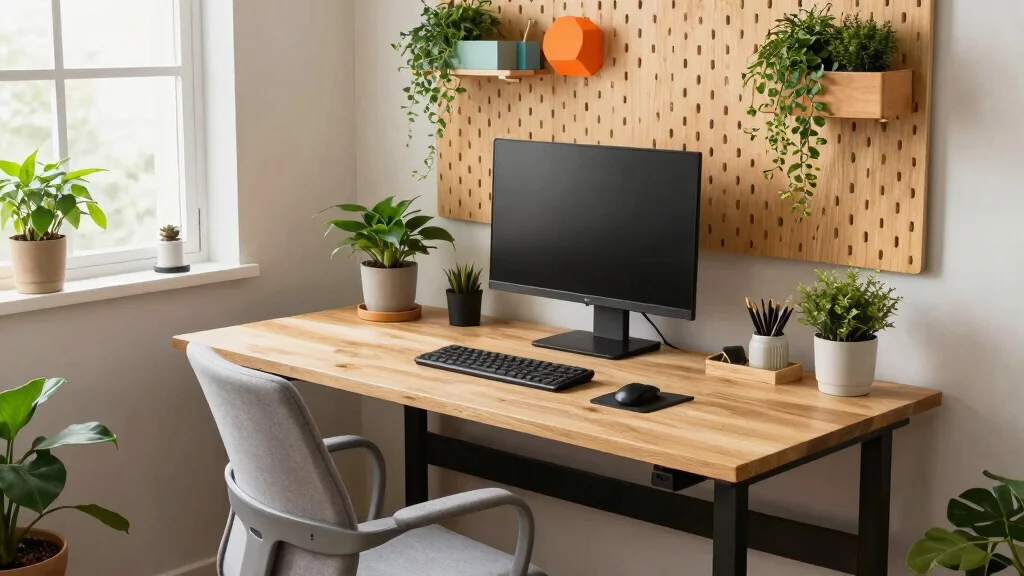
Creating a comfortable workspace can feel like a daunting task, especially if you’re working with limited space. I’ve been on the hunt for ways to make my home office cozy and functional, and I realized I’m not alone. Many of us are craving a better ergonomic desk setup that not only boosts comfort but also enhances productivity. Whether you’re a freelancer, a student, or anyone who spends hours at a desk, this post is for you.
If you care about home office design and workspace organization, you’ll find inspiration in these 16 ergonomic desk setup ideas. They are tailored for small spaces and focus on using ergonomic furniture and thoughtful desk accessories. From standing desks to creative storage solutions, I’ve pulled together ideas that are stylish, functional, and perfect for optimizing your work environment. By the end of this guide, you’ll have practical tips to create a workspace that supports your well-being and boosts your productivity.
Let’s dive into these ideas and transform your desk area into a haven of comfort and efficiency!
Key Takeaways
– An ergonomic desk setup can greatly reduce discomfort during long working hours, making it essential for anyone who spends a lot of time at their desk.
– Standing desks with adjustable height options promote better posture and can lead to increased energy levels throughout the day.
– Incorporating compact corner desks or wall-mounted options can maximize space while maintaining a stylish look, perfect for small areas.
– Mindful organization techniques and effective cable management solutions help maintain a tidy workspace, reducing distractions and fostering creativity.
– Regularly updating your decor with personalized elements and seasonal touches can keep your workspace feeling fresh and inviting.
1. Standing Desk with Adjustable Height
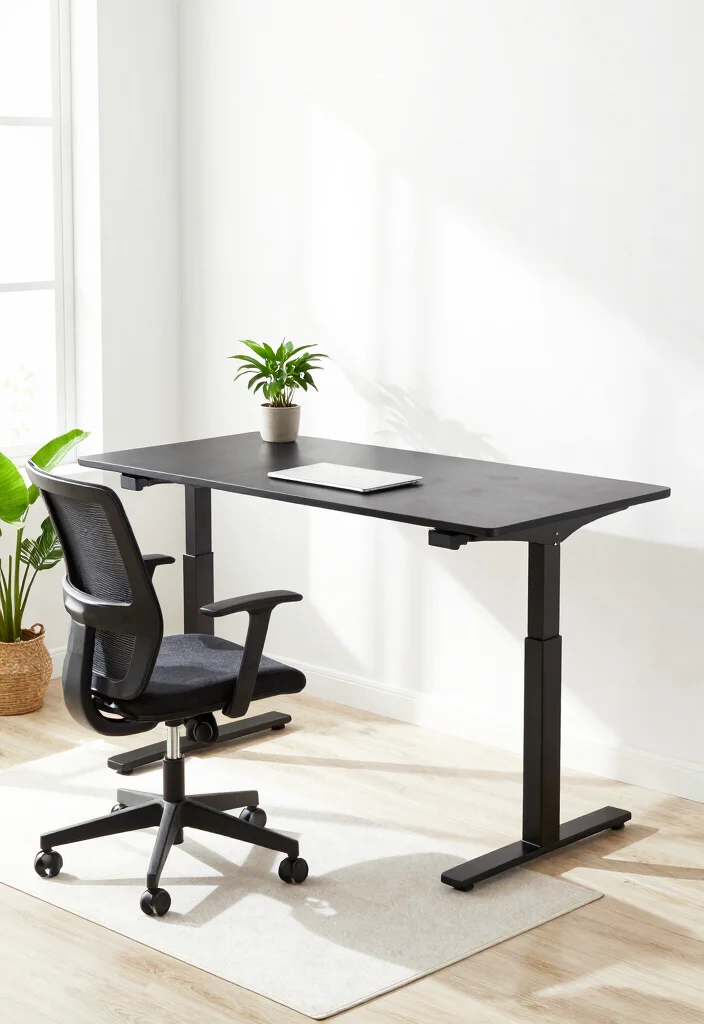
Incorporating a standing desk with adjustable height into your workspace can revolutionize your daily routine. This design element not only breaks the monotony of prolonged sitting but also promotes better posture and reduces the risk of back pain. Imagine transitioning between sitting and standing with ease, thanks to user-friendly electric controls or simple levers. Pairing your desk with an anti-fatigue mat can enhance comfort, making long work hours more tolerable.
To make the most of your adjustable desk, look for models that fit your height perfectly. Keep your monitor at eye level to prevent neck strain and consider a footrest to shift your weight comfortably while standing.
Consider these essentials to maximize your standing desk experience:
– Pair your desk with an anti-fatigue mat for added comfort.
– Install cable management solutions for a clean workspace.
– Use desk organizers to keep your essentials within reach.
By creating an ergonomic setup, you’ll enjoy a workspace that not only looks good but also feels great, enhancing your productivity throughout the day.
2. Compact Corner Desk
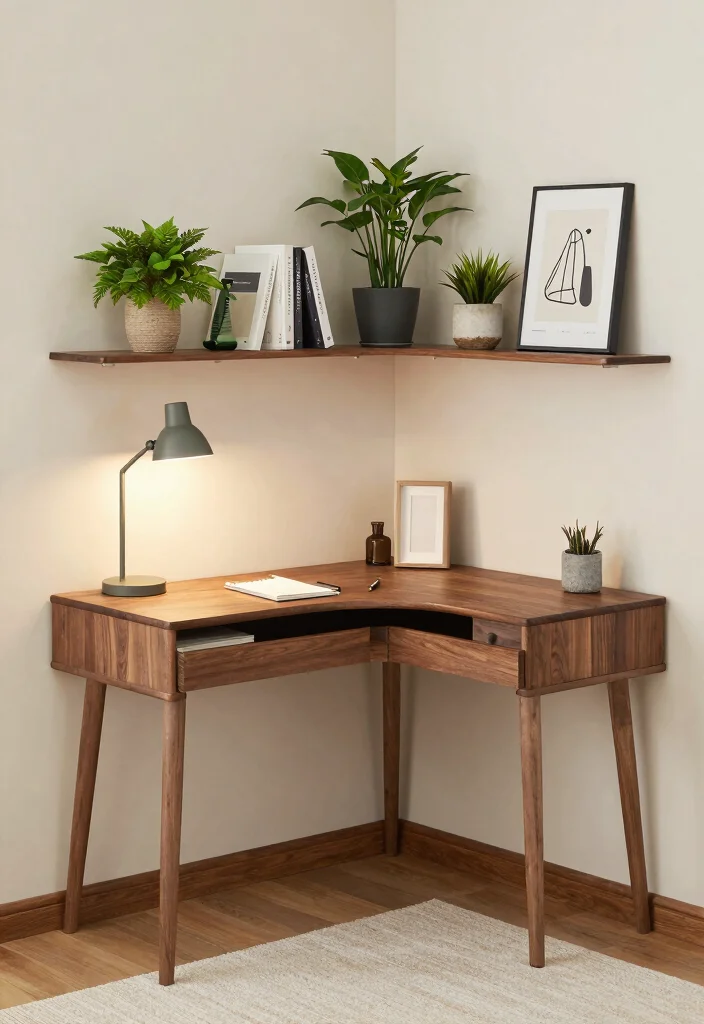
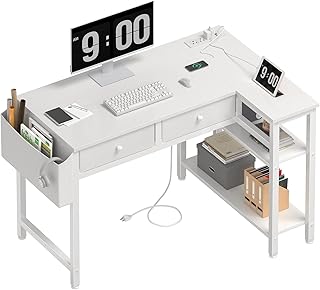
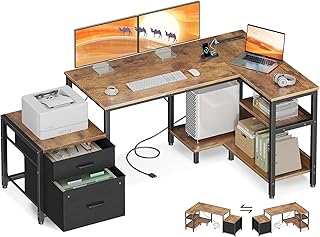
Maximizing small spaces can be both functional and stylish with a compact corner desk. This design fits snugly into any nook, providing ample workspace while keeping the area open and airy. A corner desk allows for easy movement and versatility in your daily tasks. Adding shelves can elevate your storage options, offering space for books and supplies without cluttering your work area.
For optimal functionality, look for corner desks that come with built-in storage solutions. This keeps your essentials organized and within easy reach while maintaining a tidy appearance.
Here are some tips to enhance your corner desk setup:
– Choose a corner desk that matches your room’s style.
– Install floating shelves above for additional storage.
– Use multi-functional organizers to optimize space.
This approach not only saves valuable square footage but also adds character to your room, making the workspace feel more inviting.
Compact Corner Desk
Editor’s Choice




3. Multi-functional Furniture
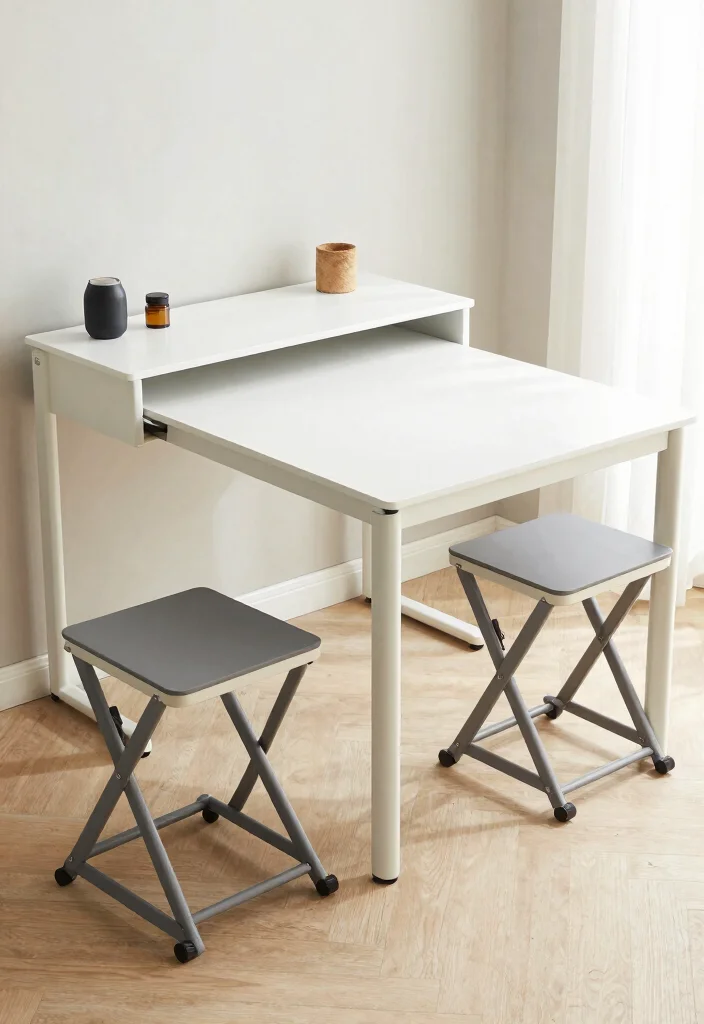
Embracing multi-functional furniture can be a game-changer for small spaces. Look for desks that can serve as dining tables or offer built-in storage options to streamline your living area. This versatile approach keeps your workspace neat while providing dual functionality. Consider a desk with foldable legs, allowing you to easily collapse it when not in use.
When selecting multi-functional pieces, prioritize designs with hidden compartments to store your supplies discreetly. Opt for sleek aesthetics that complement your overall decor style, ensuring everything feels cohesive.
Keep these must-haves in mind:
– Incorporate foldable desks to save space when needed.
– Use integrated shelves for easy access to supplies.
– Choose stylish stools that can be tucked away.
This design not only maximizes functionality but also enhances the overall aesthetic of your space.
Dimensions & Size Guide
Standard Sizes & Measurements:
When setting up your ergonomic desk, knowing the standard sizes is key to comfort and productivity. Here are some common dimensions to keep in mind:
– Desk Height: The standard desk height is around 28 to 30 inches. If you’re using a standing desk, aim for a height between 38 to 42 inches.
– Chair Height: An ergonomic chair should have an adjustable height, typically between 16 to 21 inches from the ground. This allows your feet to rest flat on the floor.
– Desk Depth: Aim for a desk depth of at least 24 inches. This gives you enough space to place your monitor at a comfortable viewing distance—ideally 20 to 30 inches away from your eyes.
– Workspace Width: For a small space, a desk width of 48 inches is a good starting point. It provides enough room for a monitor and other essentials without overcrowding.
Quick Reference Table:
| Size/Dimension | Best for: | Minimum space needed: |
|———————————|————————————————-|—————————————|
| 28-30 inches (Desk Height) | Standard seated use | 4 ft x 2 ft |
| 38-42 inches (Standing Desk) | Standing work posture | 4 ft x 2 ft |
| 24 inches (Desk Depth) | Comfortably fits monitor and keyboard | 2 ft x 4 ft |
| 48 inches (Desk Width) | Small to medium workspace | 4 ft x 2 ft |
| 16-21 inches (Chair Height) | Adjustable for various users | N/A |
Space Planning Tips:
Here are some practical tips to help you measure and plan your ergonomic desk setup:
1. Measure Your Height: Stand up straight and measure from your elbow to the ground. This helps determine your ideal desk and chair height for comfort.
2. Allocate Enough Room: Ensure you have at least 3 feet of space behind your chair for movement. This allows you to pull the chair in and out easily.
3. Check for Obstructions: Before finalizing your desk placement, look for overhead lights or shelves that might interfere with your space. A clear line of sight promotes good posture.
4. Consider Monitor Placement: Your monitor should be at eye level when seated. This keeps your neck in a neutral position and reduces strain.
5. Avoid Clutter: Keep your workspace organized. Use under-desk storage solutions to maintain a clean and functional environment, making it easier to focus.
Common mistakes people make include measuring only the desk size without considering chair height or not accounting for cable management. Always take a complete picture of your workspace to ensure all elements fit harmoniously.
Pro Tip: The most critical measurement to consider is the height of your desk in relation to your chair. Ensure both are adjustable to allow for optimal alignment of your elbows, wrists, and eyes. This small adjustment can significantly enhance your comfort and productivity during long work hours!
4. Creative Wall-mounted Desks
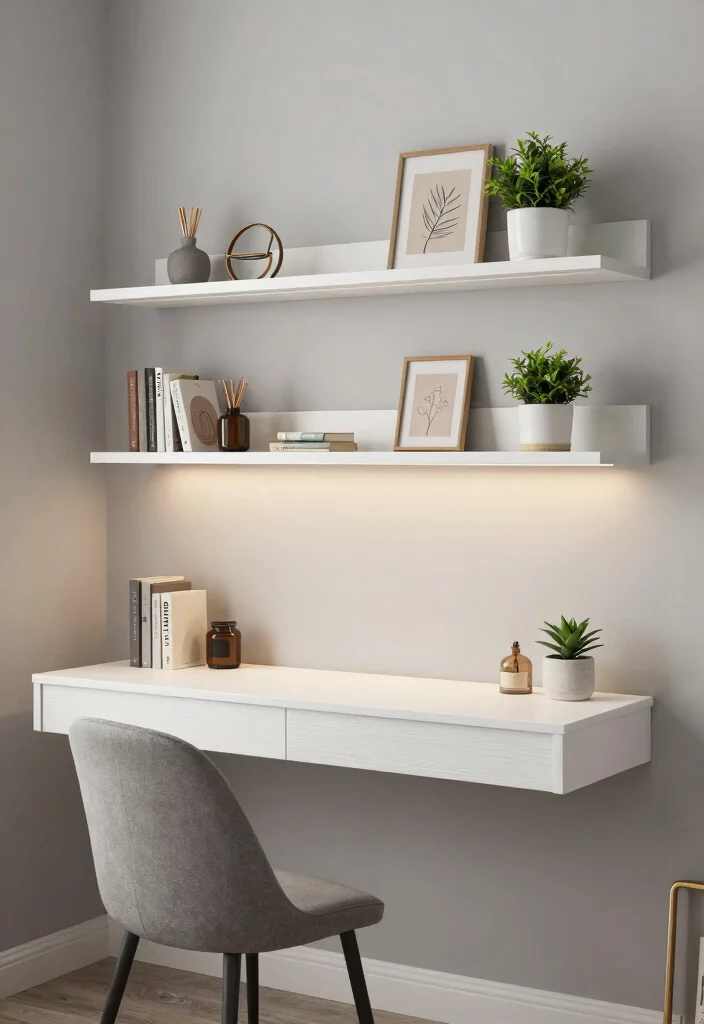
Wall-mounted desks are an innovative solution for maximizing space while maintaining style. Their sleek design creates a modern appearance and can be tucked away effortlessly when not in use. Whether custom-built or store-bought, these desks can be tailored to your specific needs. Opting for adjustable shelves or hooks can further enhance their functionality, providing extra storage space.
To get the most out of your wall-mounted desk, think about utilizing the wall above it for additional organization. Pegboards or floating shelves can enhance your setup, while personal touches like art or photos bring warmth to the workspace.
Explore these creative ideas:
– Use pegboards to organize supplies above your desk.
– Adorn the space with personal art to inspire creativity.
– Choose a desk with a unique design for added flair.
This approach not only saves floor space but also invites creativity and functionality into your design.
5. Ergonomic Chair with Lumbar Support
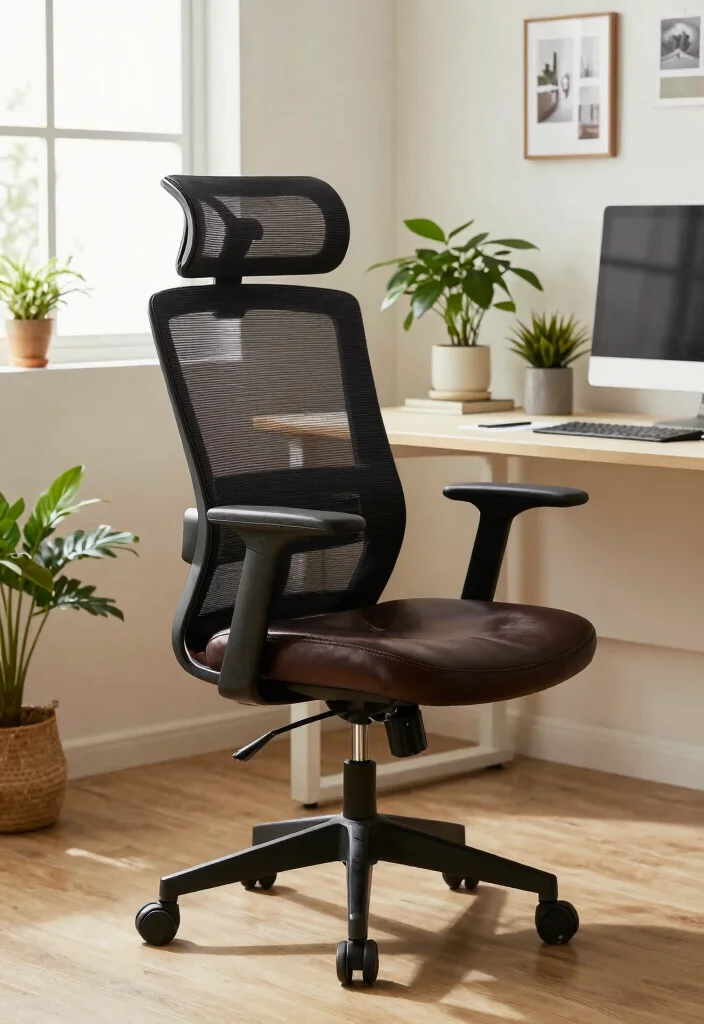
Investing in a quality ergonomic chair is crucial for maintaining comfort during long work hours. Seek out features like adjustable height, lumbar support, and breathable materials to enhance your sitting experience. A well-designed chair can significantly reduce back pain and keep you feeling energized throughout the day. Many ergonomic chairs are designed to fit seamlessly into smaller spaces, providing support without overwhelming your area.
When selecting your chair, ensure it aligns with your desk height for optimal posture. Your feet should rest flat on the floor to promote healthy sitting habits.
Consider these key features:
– Look for adjustable armrests for personalized comfort.
– Choose breathable fabric to stay cool during use.
– Opt for wheels for easy mobility within your workspace.
This investment not only enhances your comfort but also contributes to a more productive work environment.
Ergonomic Chair with Lumbar Support
Editor’s Choice


6. Effective Cable Management Solutions
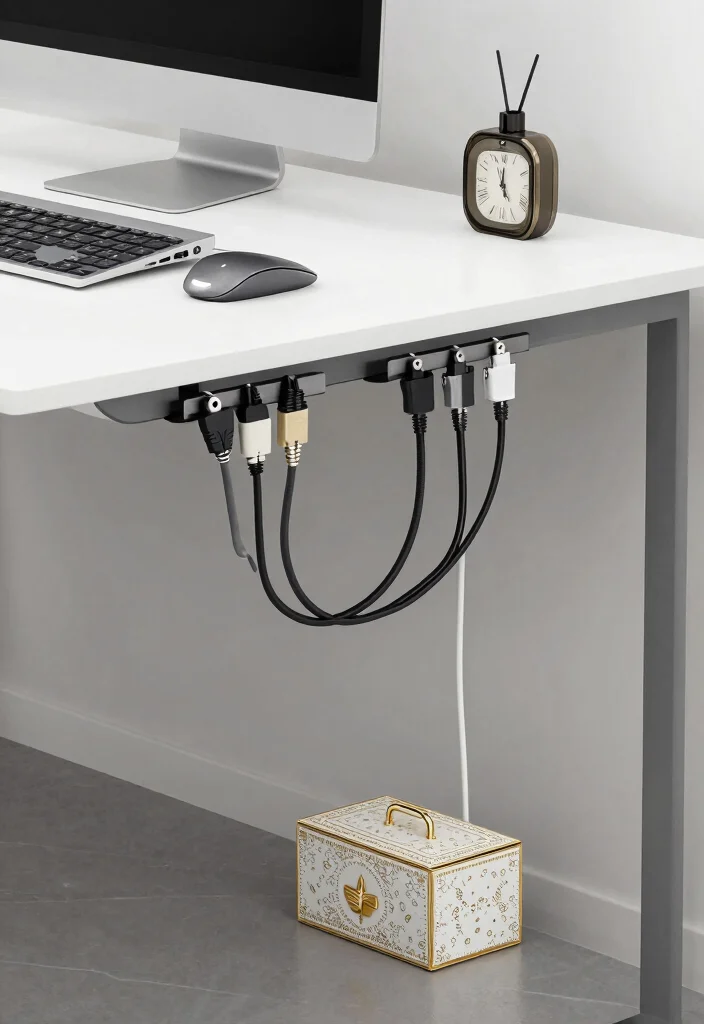
In a compact workspace, clutter often stems from unruly cables. Investing in cable management solutions can help keep your area organized and visually appealing. With tools like cable clips, sleeves, and boxes, you can corral cords, eliminating the eyesore of tangled wires. Consider using under-desk cable trays for a streamlined appearance that enhances your workspace.
For effective organization, label your cables for quick identification and try color-coding them for ease. This simple practice can save you time and frustration.
Here are some organization tools to consider:
– Use cable clips to secure cords along walls.
– Employ Velcro straps for easy bundling.
– Choose decorative cable boxes that blend with your decor.
This thoughtful approach not only eliminates clutter but also promotes a more focused working environment.
7. Bright Lighting Options
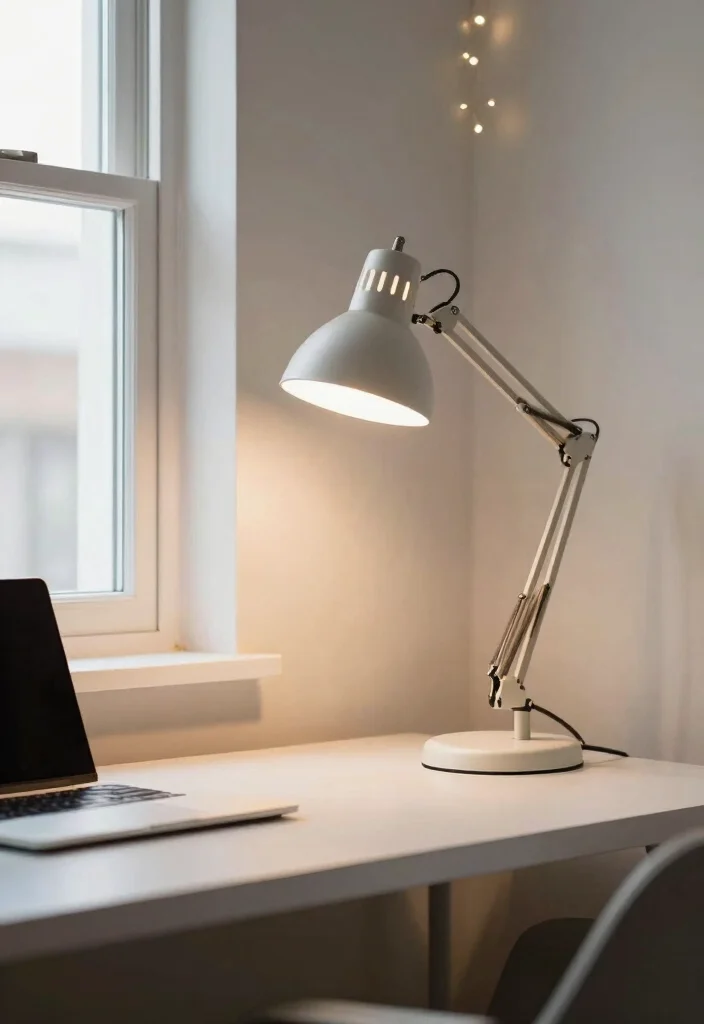
Good lighting is fundamental for an inviting and productive workspace. Incorporate a blend of ambient and task lighting to keep your area well-lit and inspiring. Adjustable desk lamps can provide focused light for reading or writing, while natural light from windows can enhance your mood and energy levels.
To minimize eye strain, opt for LED bulbs that mimic natural daylight. Dimmable lights allow you to adapt your lighting to different times of day, creating a comfortable atmosphere.
Consider including these lighting options:
– Choose desk lamps with adjustable arms for versatility.
– Add bright overhead fixtures to illuminate the entire room.
– Incorporate fairy lights for a cozy ambiance.
This thoughtful lighting strategy not only brightens your workspace but also creates a warm and inviting atmosphere.
Fun fact: A well-lit desk with adjustable task lighting and daylight-mimicking LEDs can cut eye strain by up to 30%. Mix ambient light with dimmable lamps to keep your ergonomic desk setup inviting, productive, and easy on the eyes.
Bright Lighting Options
Editor’s Choice


8. Personalized Decor
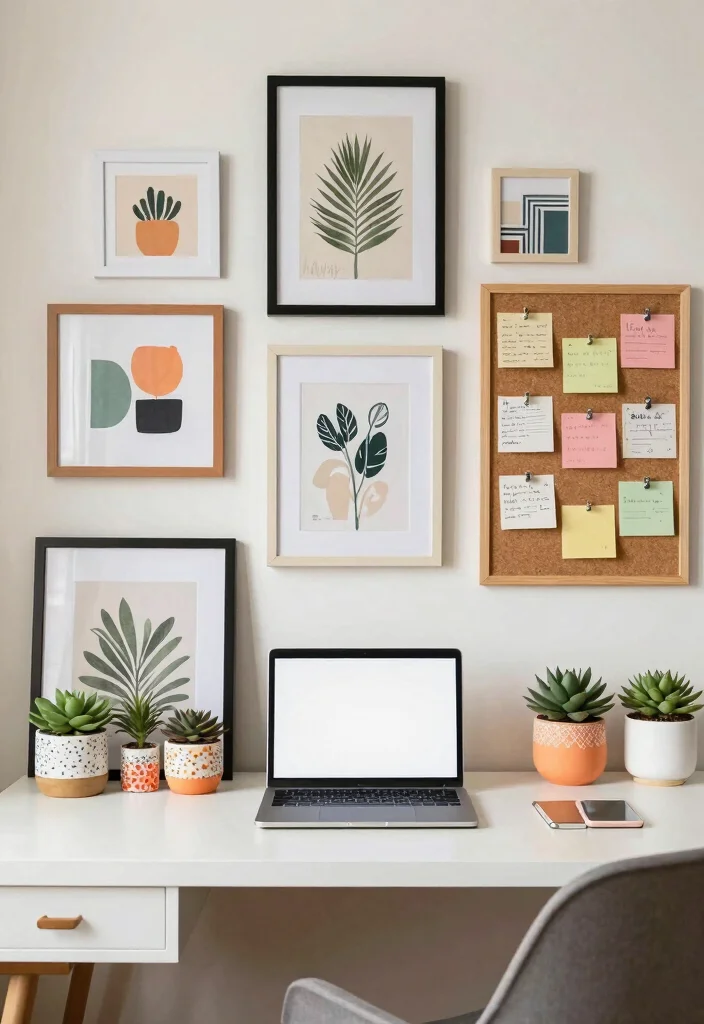
Infusing personal touches into your workspace can significantly enhance creativity and comfort. Incorporate decor that resonates with you, such as framed art, motivational quotes, or cherished photographs. Adding plants not only beautifies your desk but also improves air quality.
Creative elements like a cork board can serve as an inspiration board for reminders and ideas, while stylish storage boxes can double as decorative accents.
Consider these personalization tips:
– Curate a gallery wall if space allows.
– Choose a color palette that inspires you.
– Incorporate seasonal decor to keep the space fresh.
This personal approach not only makes your workspace inviting but also fosters a sense of ownership and inspiration.
9. Textured Desk Accessories
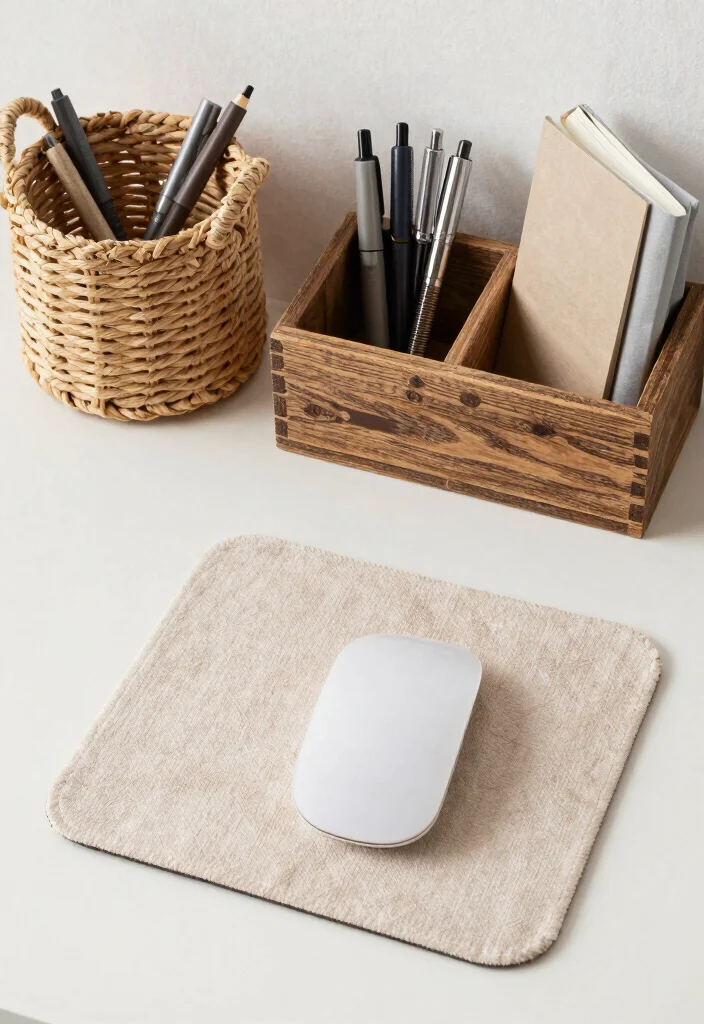
Adding textured desk accessories can inject personality and visual interest into your workspace. Items like woven baskets, wooden desktop organizers, and fabric mouse pads not only enhance aesthetics but also serve practical purposes. Mixing materials creates a layered look that keeps your setup dynamic and engaging.
Consider combining smooth surfaces with rustic textures for contrast, and use soft fabrics to balance harder materials like metal or glass.
Here are some key accessories to consider:
– Choose a unique pen holder to showcase your style.
– Utilize woven baskets for organized supplies.
– Select a soft desk mat to tie your decor together.
This thoughtful selection of accessories not only beautifies your workspace but also enhances functionality.
10. Mindful Organization Techniques
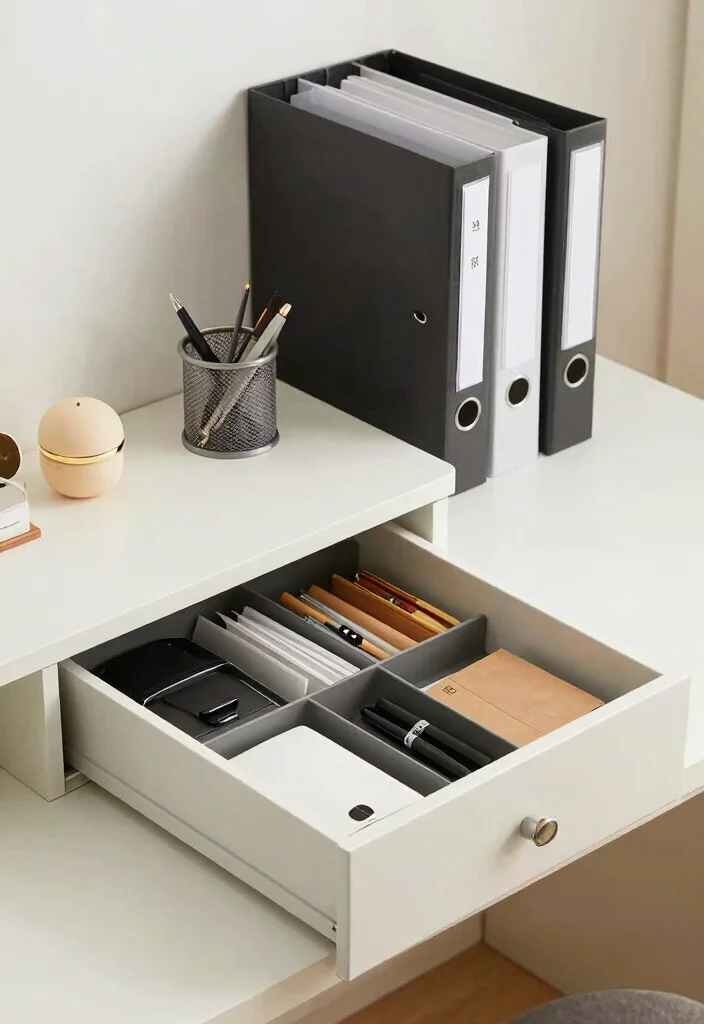
Implementing mindful organization techniques can drastically improve your productivity. Use drawer organizers, file systems, and labeled storage boxes to streamline your workflow and keep distractions at bay. A tidy workspace not only helps reduce stress but also allows you to focus better on your tasks.
Consider strategies like the ‘one in, one out’ rule to limit clutter on your desk. Regularly decluttering ensures you maintain an efficient and fresh environment.
Here are some organization strategies to try:
– Use drawer dividers to keep items separated.
– Implement file organizers for important papers.
– Utilize a label maker for clear storage identification.
This structured approach not only enhances functionality but also creates a serene atmosphere conducive to productivity.
Did you know that a cluttered desk can steal up to 40% of your focus? In an ergonomic desk setup, mindful organization—drawer organizers, file systems, and labeled boxes—cuts distractions and boosts productivity by 25–30%. Try one-in, one-out to keep it fresh!
11. Under-desk Storage Solutions
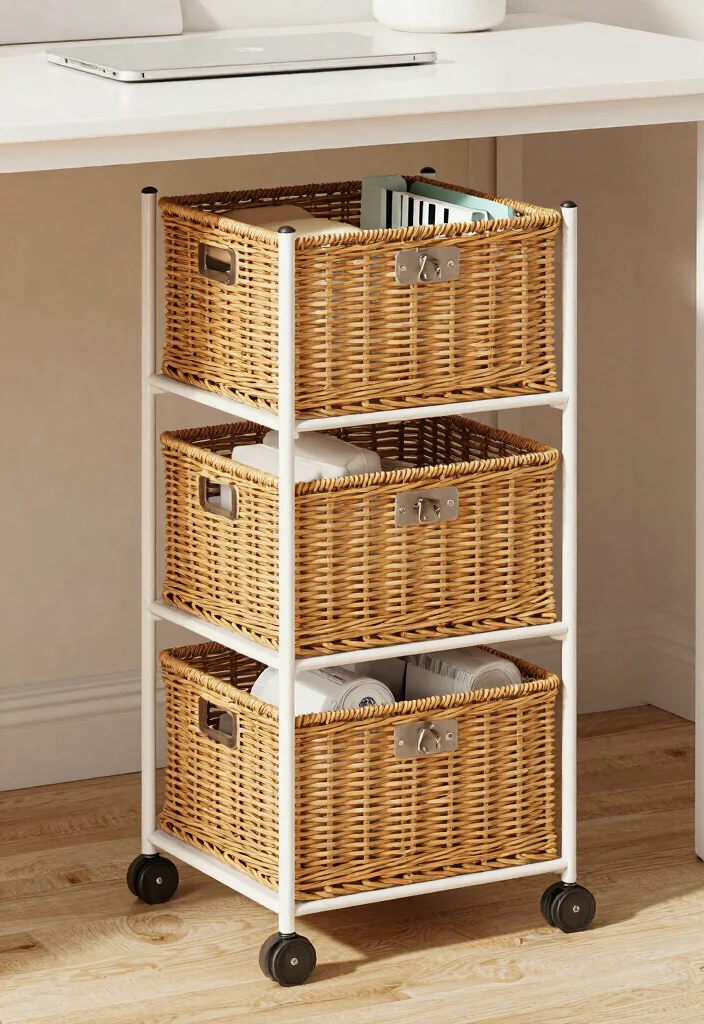
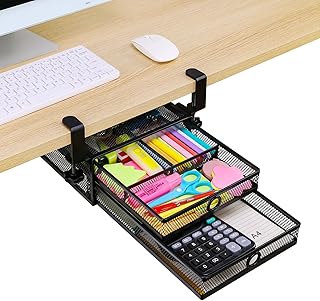
Utilizing under-desk storage solutions can save space and keep your workspace clutter-free. Consider rolling carts or small cabinets that fit neatly beneath your desk, providing easy access to your essentials while maximizing your area. This clever design keeps your workspace organized without sacrificing style.
For added flexibility, look for mobile options that allow you to move your storage as needed. Transparent containers can help you quickly see what you have stored away.
Consider these popular items:
– Use rolling carts with multiple tiers for versatility.
– Choose slim drawer units to fit tight spaces.
– Opt for baskets that slide easily under your desk.
This strategy not only enhances organization but also contributes to a streamlined and efficient workspace.
12. Minimalist Design Approach
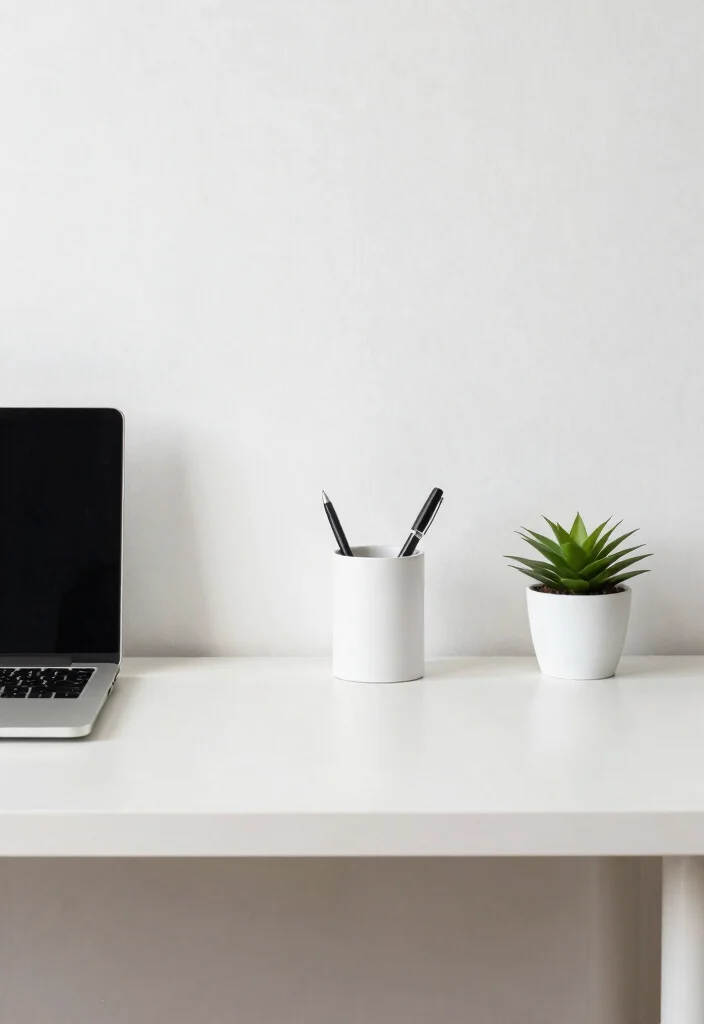
Adopting a minimalist design approach can greatly enhance your workspace’s functionality. A clean and uncluttered setup reduces distractions, promoting clarity of thought and creativity. Select a desk with clean lines and limit decor to what is essential, ensuring everything you have serves a purpose.
The benefits of minimalism extend beyond aesthetics; a simpler design is easier to maintain and organize, creating a calming environment that fosters productivity.
Here are some key elements to incorporate:
– Stick to simple color palettes for a cohesive look.
– Choose functional furniture without excessive details.
– Keep only essential accessories to maintain focus.
This approach not only streamlines your workspace but also cultivates a serene atmosphere that encourages creativity.
Minimalist Design Approach
Editor’s Choice


13. Use of Mirrors for Depth
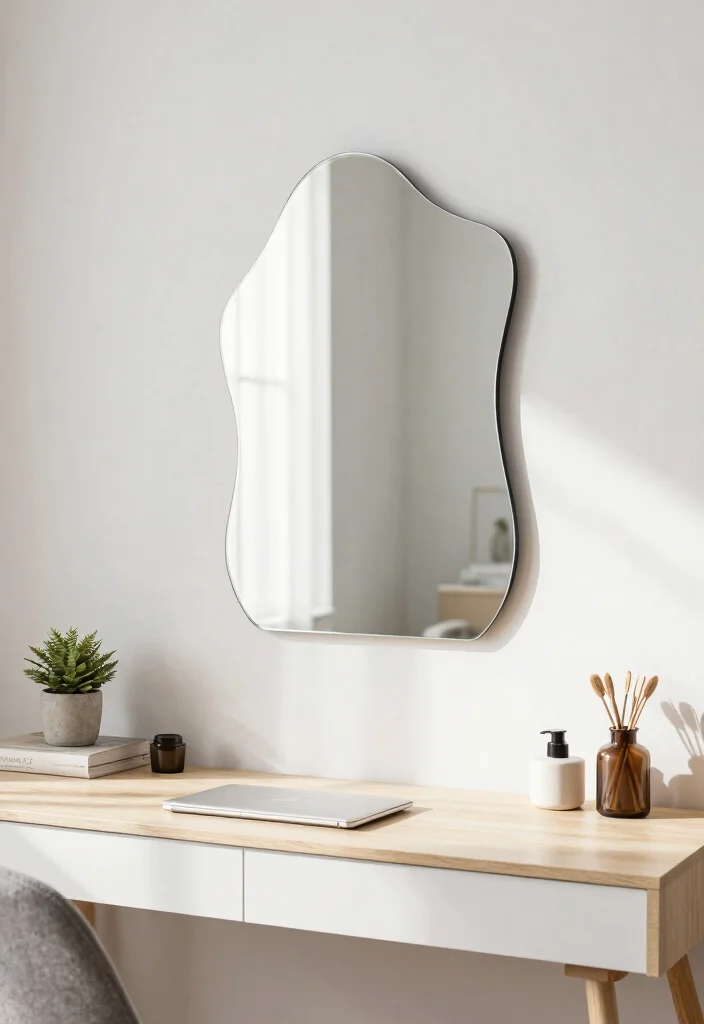
Mirrors can work wonders in creating the illusion of a larger workspace while enhancing light and brightness. Positioning a mirror across from a window can amplify natural light, making your area feel more spacious and airy. Decorative mirrors can also serve as stylish art pieces, adding personality to your office.
Consider choosing mirrors with unique shapes to serve as focal points in your design. Just be mindful not to place mirrors directly behind you, as they may create distractions.
Here are some types of mirrors to consider:
– Opt for round, wall-mounted mirrors for a modern touch.
– Select framed mirrors that match your decor style.
– Use decorative accent mirrors for added visual interest.
This creative use of mirrors not only enhances the aesthetic but also enriches the overall ambiance of your workspace.
Use of Mirrors for Depth
Editor’s Choice


14. Incorporating Technology Wisely
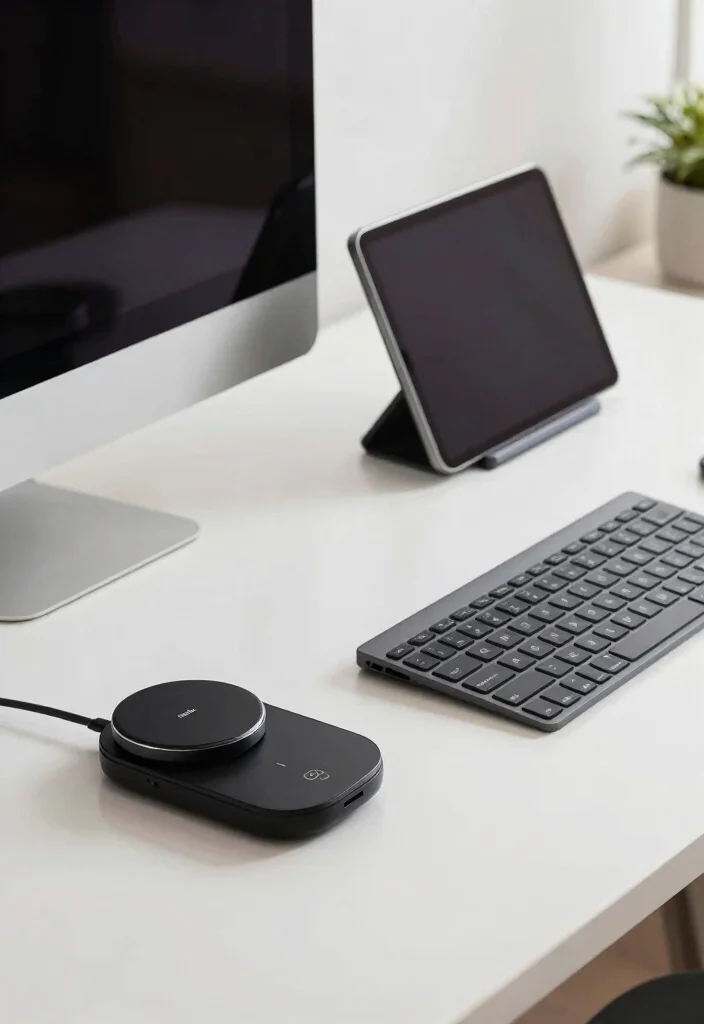
In today’s digital age, incorporating technology into your workspace wisely is essential for enhancing productivity. Consider wireless devices that reduce cable clutter while improving the overall aesthetic of your setup. Investing in multi-functional devices can save valuable space without compromising functionality.
To simplify your charging needs, opt for wireless chargers, and choose Bluetooth keyboards or mice to minimize cord chaos.
Here are some useful tech ideas:
– Utilize smart speakers for hands-free assistance.
– Invest in a tablet stand for additional screen space.
– Consider docking stations for seamless laptop connectivity.
This thoughtful integration of technology not only enhances efficiency but also contributes to a sleek and modern workspace.
15. Seasonal Decor Switch-ups
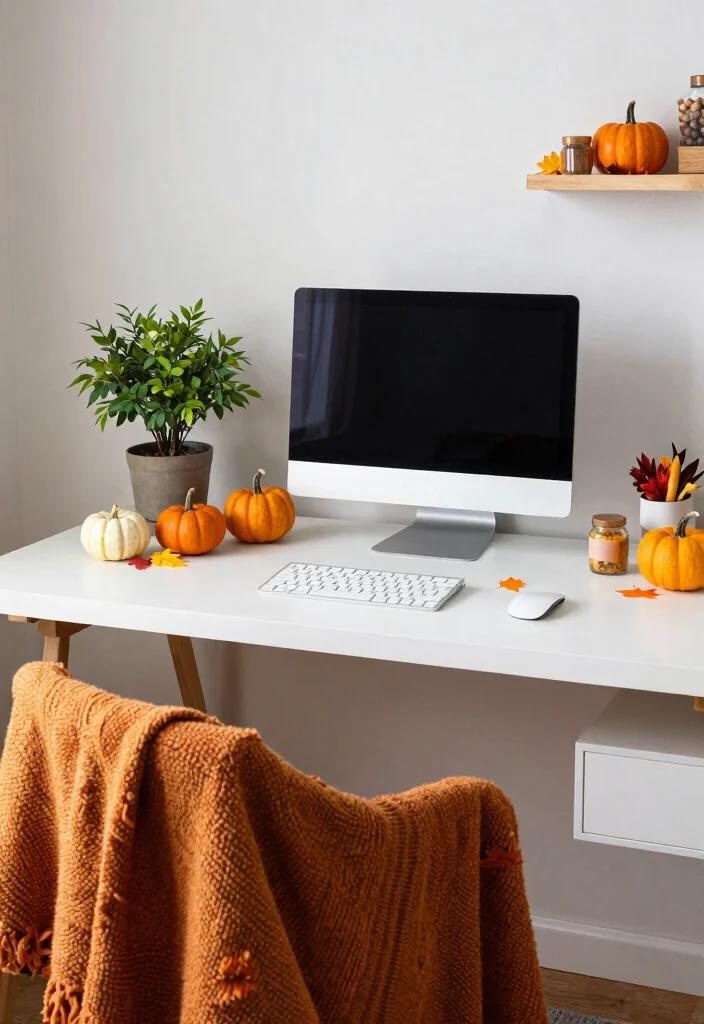
Switching up your decor seasonally can keep your workspace feeling fresh and inspiring throughout the year. Incorporate seasonal colors, textiles, or decorative elements that reflect the changing seasons. This practice not only adds visual interest but also elevates your mood as you work.
To achieve seasonal decor, consider using throw pillows or blankets that align with the current season’s colors. Updating your artwork or wall decor can also provide a refreshing vibe.
Here are some seasonal ideas to consider:
– Use fresh flowers or seasonal plants for a lively touch.
– Incorporate holiday-themed desk accessories to celebrate the season.
– Choose colorful desk mats or coasters to change the atmosphere.
This approach not only keeps your workspace vibrant but also fosters a sense of connection with the changing seasons.
16. Regularly Review and Refresh
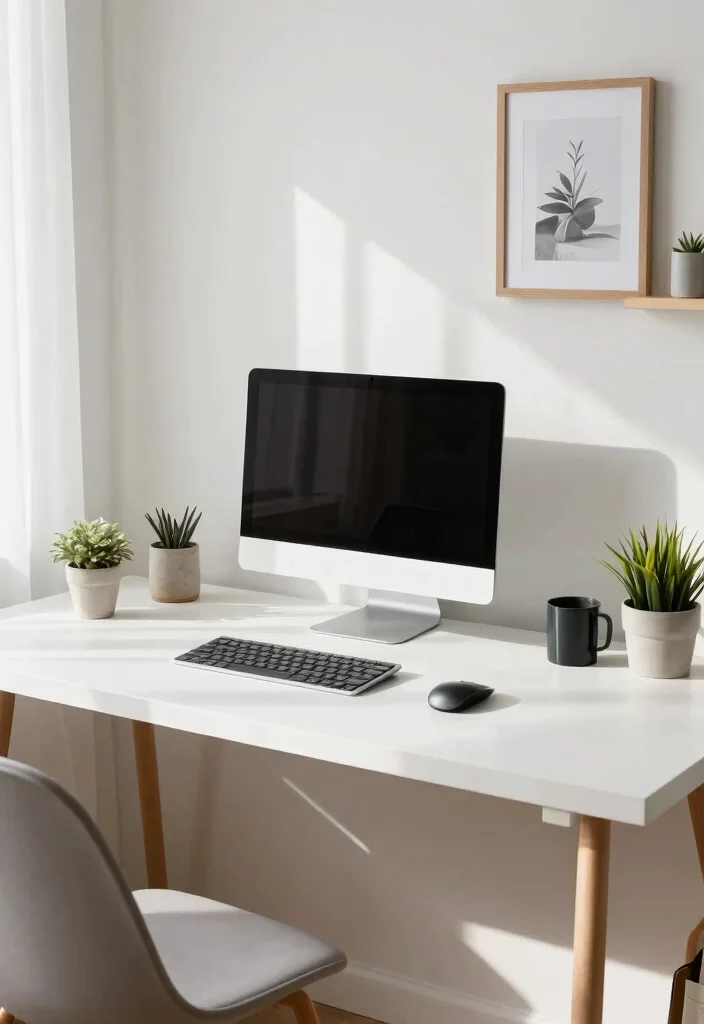
Regularly reviewing and refreshing your workspace can help keep it functional and inspiring. Set aside time every few months to assess what’s working and identify areas for improvement. This practice ensures your environment aligns with your evolving needs and goals, promoting continued productivity.
To effectively review your space, clear everything off your desk and reassess each item. Decide what to keep, remove, or replace to maintain an efficient setup.
Consider these review steps:
– Clear your desk and evaluate each item’s purpose.
– Determine what to keep, remove, or update.
Here are some refreshing tips:
– Rotate decor items for a fresh perspective.
– Update your organizational systems as your needs evolve.
This proactive approach not only enhances functionality but also keeps your workspace aligned with your personal and professional growth.
Did you know that people who review their ergonomic desk setup every 90 days see a 15% boost in focus and a 12% faster task completion? A quick reset—clear the desk, reassess items, and replace what isn’t working.
Conclusion
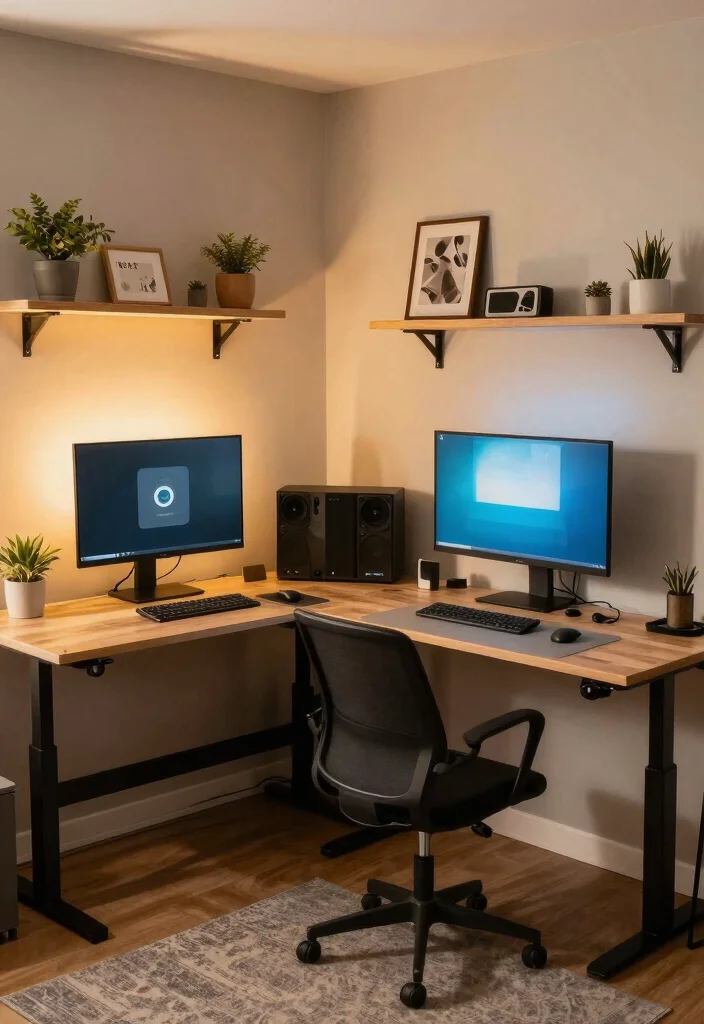
Creating an ergonomic desk setup in a small space is all about finding the right balance between functionality and aesthetic appeal.
Incorporating these 16 ideas can dramatically enhance your comfort and productivity.
By tailoring your workspace to fit your personal style and needs, you’re not just investing in your comfort but also in your overall well-being.
Note: We aim to provide accurate product links, but some may occasionally expire or become unavailable. If this happens, please search directly on Amazon for the product or a suitable alternative.
This post contains Amazon affiliate links, meaning we may earn a small commission if you purchase through our links, at no extra cost to you.
Frequently Asked Questions
What is an ergonomic desk setup and how can I fit it into a small living space?
An ergonomic desk setup means arranging your workstation so your body can work comfortably with minimal strain. In a small living space, start with a compact, height-adjustable desk and a chair with solid lumbar support that fits your height. Position your monitor at eye level and about an arm length away; use a stand or riser if needed. Keep the keyboard and mouse at elbow height and wrists in a neutral position, and add a footrest if your feet don’t rest flat. Maximize storage with vertical solutions and wall shelves, and choose task lighting that reduces glare. With thoughtful home office design and smart workspace organization, your ergonomic desk setup can feel spacious and productive.
Which desk layout ideas boost comfort in a small space?
Here are practical layout ideas to boost comfort in a small space: use a corner or L-shaped desk to tuck into a wall; mount a monitor arm to free desk surface; opt for wall-mounted shelves and under-desk organizers to keep things within reach; run cables neatly with clips and a tray; add a slim anti-fatigue mat if you stand; choose a compact ergonomic chair and a slim, adjustable footrest; use vertical storage and door organizers to reclaim desk real estate; finish with warm lighting to reduce eye strain. These ideas integrate well with home office design and desk accessories to improve ergonomic desk setup in small spaces.
What are essential ergonomic furniture and desk accessories for a small-space home office design?
Essential pieces for a small-space ergonomic furniture and desk accessories include: a height-adjustable desk for sit-stand flexibility; a supportive ergonomic chair with adjustable lumbar support; a monitor arm or riser to keep the screen at eye level; a keyboard tray or trayless setup that places your keyboard at elbow height; a compact footrest, and an anti-glare or anti-reflection screen. Add cable management solutions, wireless peripherals, a sleek desk organizer, and adjustable task lighting. These elements make home office design feel calm and organized while boosting workspace organization and overall productivity tips.
How can I optimize workspace organization to boost productivity in a small home office?
Boost productivity by focusing on workspace organization and essential routines in a small home office: designate zones for tasks (writing, computer, breaks) to reduce clutter; keep only what you use daily on the desk; use labeled trays and vertical organizers; bundle cables with clips and a cable sleeve; schedule quick tidy-ups and digital decluttering to keep workflows smooth; choose multi-functional furniture that hides items when not in use; and pick calming colors and glare-free lighting to support long work sessions. These steps align with home office design and offer practical productivity tips for small spaces.
How should I adjust chair, monitor, and keyboard for an ergonomic desk setup in a small space?
To fine-tune your setup, adjust these elements: place your monitor so the top is at or slightly below eye level and about 20–30 inches from your face; set chair height so your feet rest flat and knees are at about a 90-degree angle; ensure lumbar support is active and that your back is supported; align keyboard and mouse so your elbows stay near your body at roughly 90 degrees and wrists stay neutral; keep arms and wrists relaxed, and avoid reaching; consider a sit-stand schedule and take short breaks every 30–60 minutes. With these steps, you’ll have a truly ergonomic desk setup in a compact footprint.
Related Topics
ergonomic desk setup
home office design
workspace organization
small spaces
ergonomic furniture
productivity tips
desk accessories
minimalist workspace
budget-friendly design
DIY home office
comfortable workspace
beginner friendly